


Incaspin App for iOS and Android
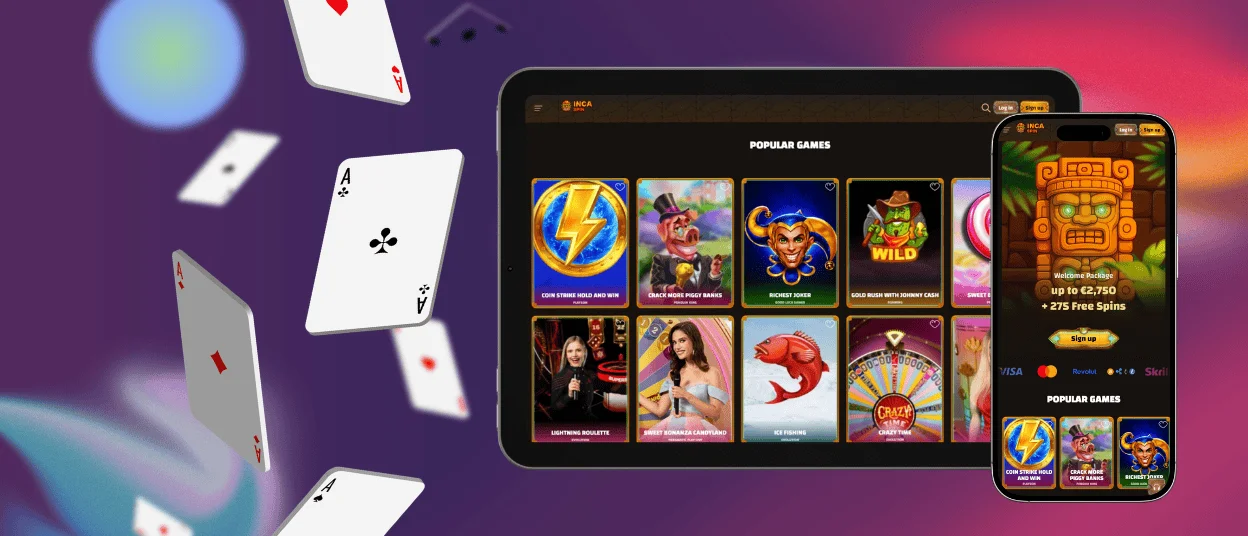
The Incaspin app allows you to play all of the casino games right on your phone. The app runs smoothly and gives you instant access to thousands of games. You can play on Android, iOS, and web browsers without losing quality or features. Thanks to progressive web app technology, you can jump straight in to play without waiting for a long download.



Incaspin App for Android Devices
Android users can get to the Incaspin app through a progressive web app that they can download from the casino website. This way you can get around restrictions of the Google Play Store and still get the experience you would expect from a native app. Installation is a minute’s work, requiring no special permissions or complicated setup steps.
Download the App
- Tap the menu icon in the top right corner and choose the mobile app section from the settings.
- The system will prompt you to add the application to your home screen, creating an instant shortcut that launches the full casino interface.
- Choose “Add to home screen” and tap “Add” to complete the installation.
The icon appears on your home screen immediately, ready to launch with a single tap whenever you want to play.
Get Application for iOS
iOS devices can access Incaspin through Safari’s progressive web application features, which work like native apps without downloading anything from the App Store. Touch controls and responsive design make the experience the same for both iPhone and iPad users.
Download the iOS App
- Open Safari and go to the Incaspin casino website.
- Tap the Share button at the bottom of the screen, which looks like a square with an upward-pointing arrow.
- Scroll through the options and tap “Add to Home Screen” from the menu.
- Change the application name if needed and tap “Add” in the top right corner to complete the installation.
The Incaspin icon is now next to your other apps, making it easy to get to without taking up a lot of space on your device. If you experience any issues with the installation or verification process, contact the support team via live chat or email.
Play Inca Spin on Web
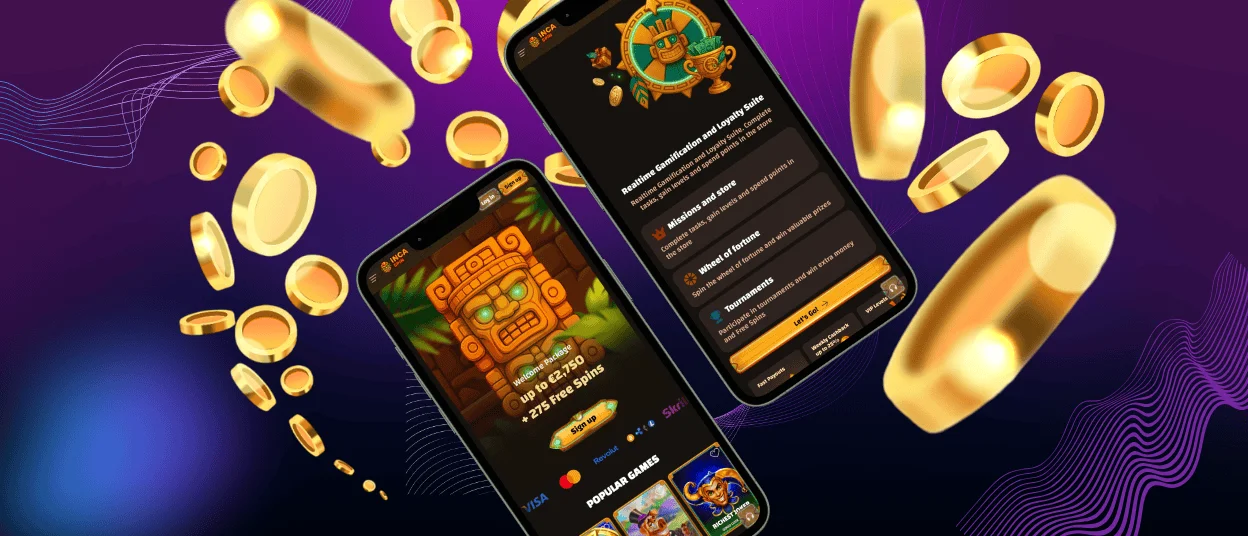
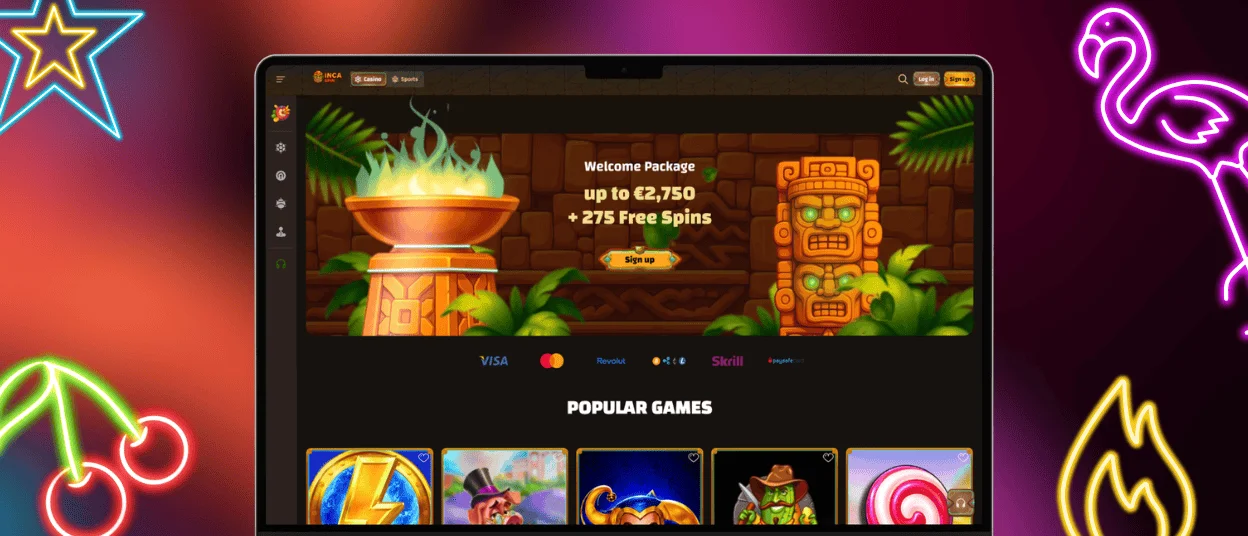
Desktop players can use any modern web browser to access the full Incaspin platform, without needing to download any extra software. Chrome, Safari, Firefox, and Edge can all be used to access the casino’s web-based interface, which has all the same features as the mobile versions. The responsive design changes itself based on the size of your screen, whether you’re on a laptop, desktop monitor, or tablet in landscape mode.
To create a desktop shortcut, go to the casino website and use the bookmark or shortcut tools in your browser. For Windows users, simply drag the URL onto your desktop. If you’re on a Mac, add the site to your Dock. The web-based method enables you to play the latest version and forget about manual updates and compatibility issues.
Benefits and Features of the Incaspin App
| Feature | Mobile App | Desktop Browser |
| Installation Time | Under 60 seconds | Instant access |
| Storage Required | Minimal (under 5MB) | No storage needed |
| Game Library | Full catalog available | Full catalog available |
| Touch Controls | Optimized for mobile | Mouse and keyboard |
The mobile application is easier to carry around, but it doesn’t take away from the gaming experience you’d get on a desktop. All the slot machines, table games, and live dealer games in the main library are working perfectly on smartphones and tablets. No matter the size of your device, the interface will automatically resize itself to fit your screen. This means that it’s easy for you to access buttons and to clearly see graphics.
For many types of games, touch-optimized controls make it easier to play on mobile than using a mouse. Use natural gestures to spin the online slots, place bets, and zoom in on game details.
There is no offline mode because all games need to be connected to a server for fair play and real-money transactions. But the app starts up faster than opening a mobile browser and typing in the website address. This saves time when you want to start playing right away. With the dedicated home screen icon, you don’t have to remember URLs or look through your browser’s bookmarks to find what you need.
All data transfers are protected by 256-bit SSL encryption, the same level of security used on desktop computers. All transactions are handled through secure server connections, so the application never stores sensitive payment information on your device.
The performance is identical across all generations of devices. The app works just as well on older smartphones as it does on the latest models. The progressive web app architecture requires a small amount of system resources, so it works on devices that were released in the last few years. Regular automatic updates bring new features and make the application safer, so you do not have to download them from app stores every time.
FAQ
Does the Inca Spin app work on both iOS and Android?
Yes, Incaspin is compatible with iOS and Android devices thanks to progressive web app technology. If you are on an Android device, you can download it directly from the casino site using Chrome, and if you are on an iOS device, you can download it via the share menu in Safari. Both versions give you full access to the game library and the same features.
Do I have to manually update the app?
The app updates itself automatically every time you launch it. You don’t have to do anything. You get the latest features and improved security immediately with a progressive web application architecture when you launch the platform.
Can I play all of the games on my phone?
The mobile casino app allows you to play the entire range of games in Incaspin’s catalogue on the go. All of the slots, table games, live dealer games and speciality games work the same way as they do on your computer. Game developers ensure that their content is optimised for mobile play so that their games perform well across all devices.
Are you sure that the app is as safe as the website?
The encryption standards and authentication protocols used for mobile devices are the same as those used for desktop computers. The application uses the same safe servers and data security measures as the website to keep your information safe.


